NEWS
Samsung One UI 9 Splits Call Brief From Fan Editions
Samsung One UI 9 brings Android 17 and Galaxy AI to more phones, but Call Brief stays off Fan Edition models as ad blocking and camera tools land.

Samsung is spreading One UI 9, its Android 17 software, from the Galaxy S26 onto older flagships and mid-range phones. Call Brief, the in-call overlay that pins calendar events and local time on the call screen, is not available on the Galaxy S24 FE, S25 FE and S26 FE.
The same package still adds My FanCam video tracking, Now Nudge suggestions, a Device Care switch that can put ad-heavy apps into deep sleep, and extra frame rates in Pro Video. Samsung opened the official rollout of One UI 9 in South Korea on September 16, 2026, on the Galaxy S26, S26+ and S26 Ultra.
One UI 9 Spreads Android 17 Past the S26
The software had its debut on Galaxy Z Fold8 Ultra, Fold8 and Flip8, which ship with it. Samsung then used the S26 family as the first regular phones to get the stable build, and it has kept walking backward through last year’s flagships and into the A series.
Firmware release notes put the Galaxy S25 family, Z Fold7, Z Flip7 and Z Flip7 FE on September 28 in South Korea. The S24 family, Z Fold6 and Z Flip6 followed on October 6. The S23, Z Fold5 and Z Flip5 builds opened in Korea on October 14 and reached more markets on October 19.
THE STABLE ROLLOUT CLOCK
- September 16, 2026: Stable One UI 9 opens in South Korea on the Galaxy S26, S26+ and S26 Ultra.
- September 28, 2026: The S25 family and last year’s Fold7 and Flip7 line get the Korea build.
- October 6, 2026: The S24 family, Z Fold6 and Z Flip6 follow in Korea.
- October 14, 2026: The S23, Z Fold5 and Z Flip5 Korea builds go live.
- October 19, 2026: Those S23 and Fold5/Flip5 packages spread to more regions, including major U.S. carriers.
- October 21, 2026: The Galaxy M36 5G appears on M-series firmware lists as the update starts reaching cheaper phones.
Samsung’s own newsroom copy frames the drop as Galaxy AI that helps people “do, create, and understand more,” then spends as much space on Warranty and Care, Security Brief and Privacy Alerts as it does on the flashy video tool. The everyday software is doing two jobs at once: new AI cards, and a tighter grip on what the phone shows you.
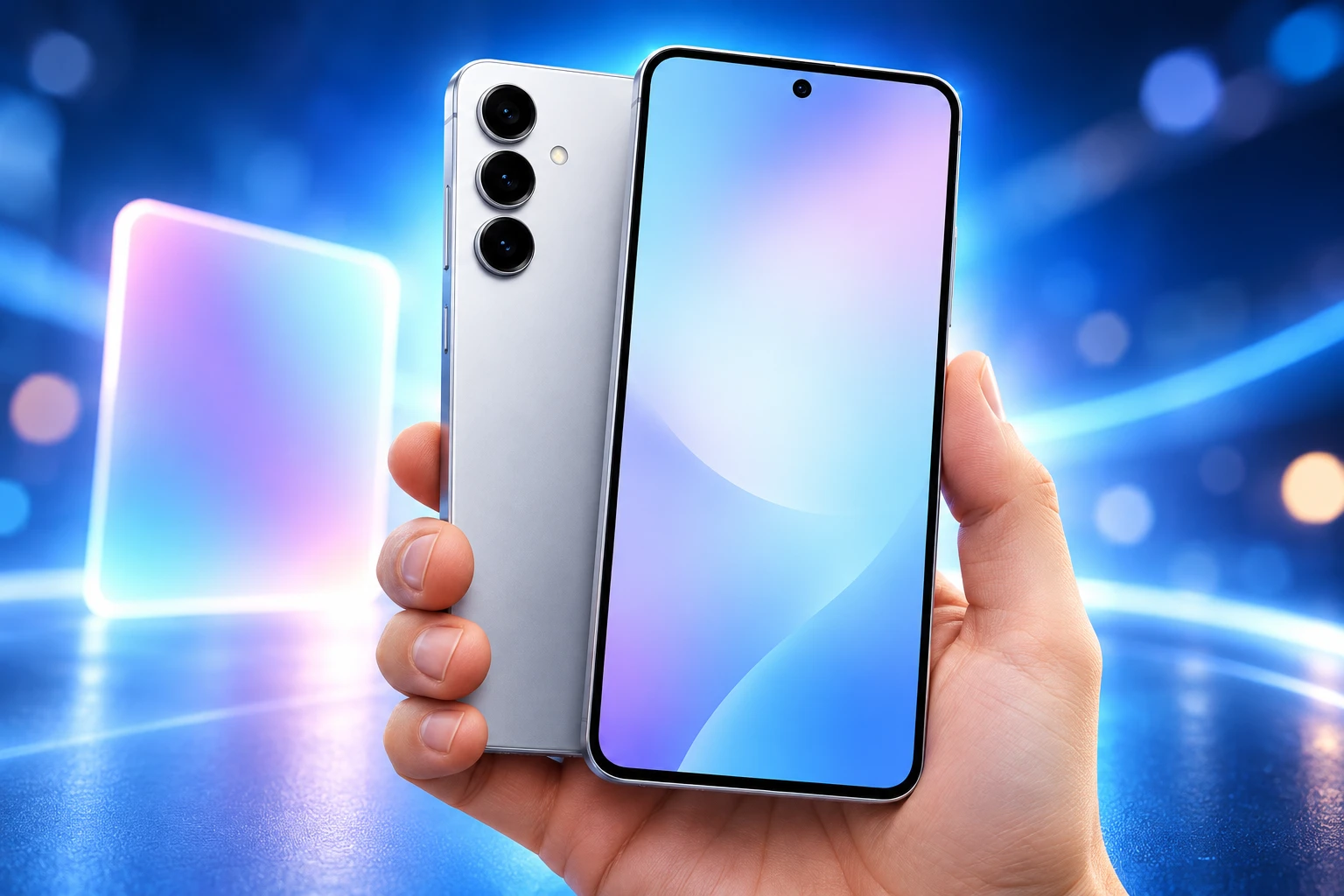
Call Brief Stops Short of Fan Edition Phones
Call Brief sits on the call screen and pulls in context for the person you are talking to, such as a linked calendar event or the local time when the number is abroad. Samsung’s India support page, updated October 20, 2026, says you enable Call brief on Galaxy devices from Phone settings or from Settings, Galaxy AI, Call assist, and that a Samsung Account plus a live internet link are required.
The same page says the feature started on the Galaxy Z Fold8, Fold8 Ultra and Flip8. Hands-on checks of the stable software find it missing on the Galaxy S24 FE, S25 FE and S26 FE. Some September beta notes listed Call Brief on the S24 FE. The shipping build does not offer it on those three Fan Edition phones.
That cut is not a blanket ban on Galaxy AI for Fan Editions. Samsung’s Privacy Alerts footnote names the S25 FE, S24 FE and S23 FE among the phones where on-device AI can flag apps that grab permissions in the background. Security Brief can also push malware, unknown-source and extra-permission warnings into Now Brief. Fan Edition owners get the policing tools. They do not get the in-call overlay.
Last year’s S24 and S25 flagships were handed the same four AI tools the S26 launched with, which is why the S24/S25 beta notes read like a catch-up pack rather than a leftover. The Fan Edition line is where Samsung stopped matching that pack on Call Brief.
A Tracking Shot From Last Year’s Footage
My FanCam is the feature Samsung put at the top of the newsroom list. You pick a person in a video you already shot, including clips made before the update, and the software crops a follow-cam around them. Samsung’s own how-to says you can transform wide-angle footage into a tracking shot from Gallery, through the Galaxy AI icon, then save a copy at the aspect ratio you choose.
My FanCam automatically tracks a selected person in a recorded video and keeps them centered, intelligently reframing the footage as the scene moves.
Samsung Electronics, Global Newsroom
It needs a Samsung Account. It will not run if there is no subject to follow, and Samsung does not guarantee the result. The support note also lists hard fails.
WHEN MY FANCAM WILL NOT TRACK
- Low resolution: Clips below 720x720p are out.
- Second pass: You cannot run My FanCam on a video that already has it applied.
- Lookalikes: People in similar clothes can break the lock.
- Awkward poses: Some body positions make recognition fail.
- Tiny subjects: People who sit too small in the frame may not be followed.
Now Nudge is the quieter half of that AI set. Suggestions now show up in conversation notifications and as a floating button, not only on the keyboard. A message that names a date and time can prompt a calendar entry. Samsung also cites pulling reservation details out of a chat and saving a shared place in Google Maps without leaving the thread. Now Nudge needs a Samsung Account, and the text prompts work with Samsung Messages, Google Messages and Google Chat.
Now Brief, the daily card stack, gets generative and editable cards for health, weather and video. You pick which cards show and when, with up to 3 custom cards at once. Samsung’s setup guide still routes the feature through Settings, Galaxy AI, Now Brief, and it can sit on the lock-screen Now bar, a home widget or the Edge panel. If sleep data is missing, the brief may appear around 6:00 a.m. and 9:00 p.m.
What Notification Highlights Change in Daily Use
Notification highlights split into two switches you can run alone or together: Summarise notifications writes short overviews of unread chats so you do not open every thread, and Prioritise notifications shoves time-sensitive alerts higher in the panel. Both are aimed at a lock screen that has turned into an ad and group-chat dump.
Device Care goes further than sorting. Block apps with excessive ads can drop apps that fire advertising alerts into deep sleep, which keeps them installed but starves the background work that generates the pings. An intelligent blocking option reads incoming notifications and tries to tag the ones that are ads. That is Samsung inserting itself between Android’s ad-supported app economy and the user’s attention, using the same Device Care door people already open for battery.
Motion Assist is the odd one in this group. It draws moving visual elements on the screen to cut the sickness some people get when they look at a phone in a car or train. It is not an AI headline. It is a system tool for a physical problem, sitting next to the ad block because both are about what the display does to you.
THE ATTENTION CONTROLS IN DEVICE CARE
- Summarise notifications: Short overviews of unread conversations, without opening each chat.
- Prioritise notifications: Time-sensitive alerts move higher in the panel.
- Block apps with excessive ads: Repeat ad-senders can be put into deep sleep.
- Intelligent blocking: The system tries to spot advertising alerts as they arrive.
- Motion Assist: On-screen motion cues meant to ease travel sickness.
Warranty and Care now lives in Settings, so warranty status, self-checks, repair estimates and Care+ booking sit in one menu, with the usual country limits. Scam Detection is also widening, with Japan, Canada and India named for the next wave of scam-call protection.
Bixby Shares the Dock With Google and Perplexity
Home screen search is no longer a single Google strip by default. You can park a Google Search bar, a Samsung Finder bar, or both along the bottom, and you can turn either off. Google Search still points at the web. Finder looks through apps, settings and files on the phone. That is a small layout change with a larger habit cost: Samsung is putting its own on-device search next to Google where your thumb already is.
Bixby gets a home-screen widget so you can type or talk without opening a separate assistant window, and it can call Perplexity for web answers inside that interface. You can also raise the phone to your mouth and speak with no wake word. Conversation history can be searched, renamed, pinned or wiped in one shot. None of that kills Google on a Galaxy. It does give Bixby a permanent tile and a web brain that is not Gemini.
Settings looks cleaner because some descriptions have been pulled off the main list and parked on each feature’s own page. DeX, the desktop mode, gains desktop previews at the top of Recents, simpler moves of an app window from one desktop to another, and a setting that auto-hides the status bar and taskbar. Interpreter adds a Thread View so you can scroll earlier lines of a live translation. Document Scan handles curved book pages and folded corners with less manual fix-up. Voice Recorder summaries now use headings and tables.
Location access gets a blue indicator when an app is using it, with a tap-through in the quick panel to see which app. A faster lockdown, hold Volume down and Side together, or tap Power in the quick panel, blocks biometrics on the next unlock. Those are not Galaxy AI demos. They are the control layer riding with the update.
Night Mode Moves Into Regular Photo Shooting
Camera Assistant on supported phones adds a 24MP option in standard Photo mode, and Expert RAW can capture at 24MP as well. Night mode is no longer a separate destination you have to remember. Auto, Max and Off sit inside Photo mode, so you can keep the phone’s night processing, push it, or kill it without leaving the main shutter. If you want the old dedicated Night mode back, Camera Assistant can restore it on supported devices.
Video gets Super Steady with Horizontal Lock, which tries to keep the horizon level even when the phone rolls, plus a Dual Recording shortcut in Video mode with horizontal and vertical split layouts so two camera views share one clip. Pro Video is where the extra frame rates land, and they are device and resolution dependent.
CAMERA OPTIONS ADDED IN ONE UI 9
| Mode | What the update adds |
|---|---|
| Photo | 24MP shooting through Camera Assistant; Night Auto, Max and Off inside Photo mode |
| Expert RAW | 24MP capture with the existing advanced controls |
| Video | Super Steady with Horizontal Lock; Dual Recording shortcut with horizontal and vertical splits |
| Pro Video | 48fps, 50fps and 100fps on some 4K formats; 25fps recording in 8K |
Those extra frame rates are for people who already shoot in Pro Video, not for the default camera tile. 100fps at 4K and 25fps at 8K are specialised looks. Horizontal Lock is the clip-saving tool for anyone filming while walking.
Which Galaxy Phones Have the Stable Build
A month after the Korea open, the Android 17 update is on the S26, S25 and S24 families in dozens of regions, plus Fold7/Flip7 and Fold6/Flip6. The S23 family is in the middle of its spread. The S23 FE is still waiting. The Galaxy S22 series, S21 FE, Z Fold4 and Z Flip4 are not on the eligible list.
FIRST STABLE BUILDS BY MODEL
| Model | First stable build | Status |
|---|---|---|
| Galaxy S26 Ultra | September 16, 2026, South Korea | Rolling out (43 regions) |
| Galaxy S25 Ultra | September 28, 2026, South Korea | Rolling out (43 regions) |
| Galaxy S25 FE | September 28, 2026, South Korea | Rolling out (36 regions) |
| Galaxy S24 Ultra | October 6, 2026, South Korea | Rolling out (36 regions) |
| Galaxy S24 FE | October 6, 2026, South Korea | Rolling out (38 regions) |
| Galaxy S23 Ultra | October 14, 2026, South Korea | Rolling out (29 regions) |
| Galaxy S23 FE | Not released | Waiting |
| Z Fold8 Ultra, Fold8, Flip8 | Ships with One UI 9 | In the box |
U.S. timing still depends on the carrier. T-Mobile had the S26 family on September 23, while AT&T led on the Z Fold7 and Z Flip7 on October 2. Unlocked U.S. S24, S24+ and S24 Ultra builds were still pending in the October 20 notes. India firmware posts on October 21 showed stable packages reaching S23-series beta units and A56/A36 beta units, with the M36 5G on the first M-series list.
Getting One UI 9 and getting every Galaxy AI tool are no longer the same event. The Galaxy S23 FE is still waiting for the OS. The S24 FE, S25 FE and S26 FE can install it and still not get Call Brief.

Bulk Scotch Still Faces Full Duty After India’s UK Deal

Typhoon Champi Loops Off Taiwan and Still Injures 527

PM Modi Opens Chinmaya’s AI Guru and Asks for Unity

Mahim Police Hold a JeM Suspect on Enmity Charges

Gold Falls Below $4,000 as Hormuz Oil Hits $117

The iPhone 18 Pro Max Splits Apple’s Fall in Two

OpenAI Calls GPT-6 Astra AGI Then Locks Its Exploits

Clancy Juror Says the Holdout Never Cited Evidence

Trump Claims Hormuz Control as Oil Holds Near $96

Russia Closes the Goethe-Institut Berlin Tried to Save

 NEWS2 months ago
The iPhone 18 Pro Max Splits Apple’s Fall in Two
- NEWS2 months ago
OpenAI Calls GPT-6 Astra AGI Then Locks Its Exploits
- NEWS1 month ago
Clancy Juror Says the Holdout Never Cited Evidence
- BUSINESS2 months ago
Trump Claims Hormuz Control as Oil Holds Near $96
- LIFESTYLE2 months ago
Russia Closes the Goethe-Institut Berlin Tried to Save
- AUTO2 months ago
Volkswagen’s Job Cuts Leave Four Plants Without Cars
- NEWS2 months ago
Dyson Puts Nurovi Robots on Sale Without the UV Flagship
- NEWS2 months ago
The Lincoln’s 286-Day War Cruise Ends at a Thai Pier