
NEWS
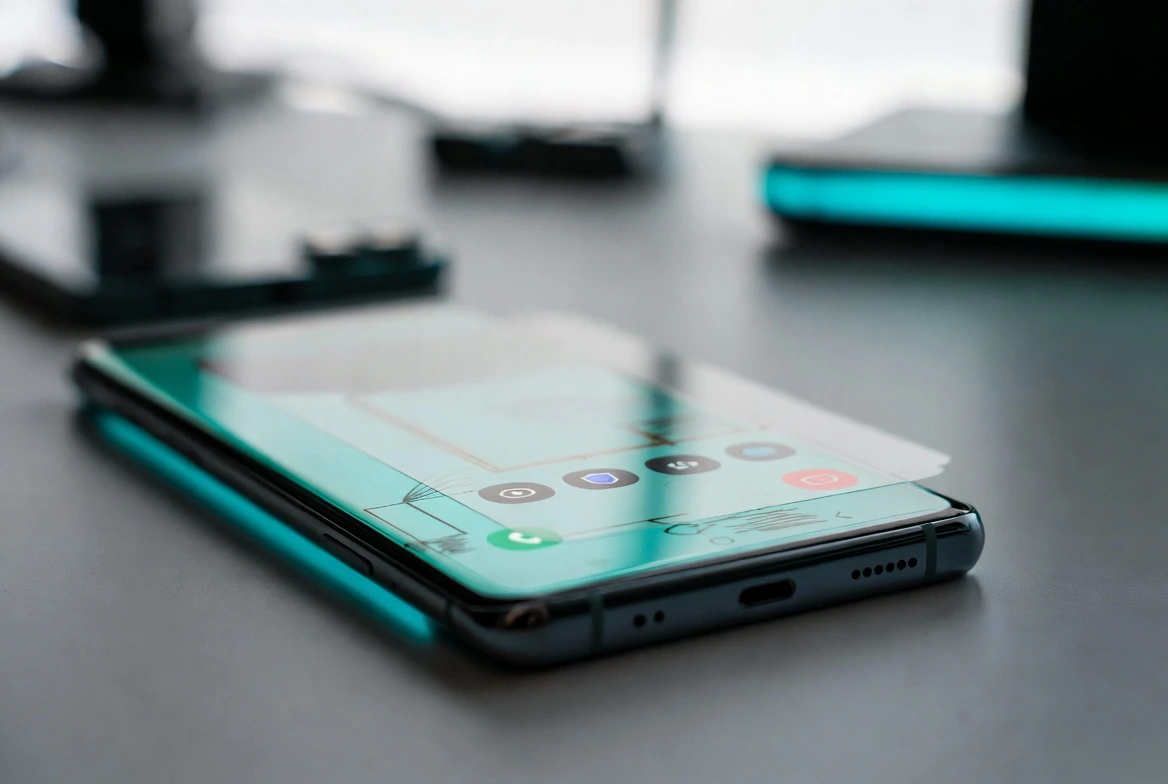
Samsung One UI 9 Beta Puts Galaxy S26 First in Line

One UI 9 beta is now open for Galaxy S26 series owners in six launch markets, giving Samsung’s newest flagship users the first public test of Android 17 on Galaxy hardware. Samsung says the build adds creative tools for Notes and Contacts, a more flexible Quick Panel, accessibility changes and a security policy that can warn about, block and recommend deleting high-risk apps.
The gate matters because Galaxy S26 owners move into the next operating system (OS, the base software that runs the phone) while many recent Galaxy phones and tablets are only beginning to receive One UI 8.5. Faster Android delivery now has a visible pecking order.
The Beta Starts With a Narrow Gate
Samsung Electronics, the South Korean technology group, dated Samsung’s One UI 9 beta announcement May 12, 2026 and said the program begins with the Galaxy S26 series. The eligible markets are Germany, India, South Korea, Poland, the United Kingdom and the United States.
That country list matters as much as the feature list. Samsung sells Galaxy phones globally, but its public betas still begin as controlled trials in markets where the company can collect enough feedback, support local builds and limit the damage if a test release breaks daily phone use.
The Galaxy S26-only gate also keeps the first Android 17 test away from older hardware combinations. That lowers Samsung’s support burden, but it gives the newest buyers the first shot at software that will later define the next Galaxy flagship cycle.
Samsung’s Software Ladder Splits Again
The timing creates a ladder with three rungs. The newest flagship line tests Android 17, recent premium devices receive the prior One UI branch, and Google’s own beta track keeps moving on Pixel and partner hardware.
| Software track | First audience | How users get it | Cadence signal |
|---|---|---|---|
| One UI 9 beta | Galaxy S26 series in six launch markets | Samsung Members registration | Flagship buyers test the next Android base first |
| Samsung’s One UI 8.5 rollout | Galaxy S25, S24, Fold and Flip models plus Tab lines | Phased wireless update by market and model | Older premium devices are still moving to the previous branch |
| Android 17 Pixel beta | Supported Pixel devices and listed Android partners | Google enrollment or partner install path | The core Android schedule runs ahead of many vendor builds |
The May 6 One UI 8.5 release shows the other side of Samsung’s promise. Owners of recent Galaxy S, Z and Tab models are not being abandoned, but their path is staged by market, model and carrier timing.
That trade is now baked into long software support. A phone can be eligible for years of updates and still sit behind the newest hardware when a major beta opens. For buyers, support length and day-one access are no longer the same thing.
Creative Tools Target Daily Phone Chores
Samsung’s consumer changes sit in ordinary apps, not in a separate demo mode. Notes gets decorative tapes and more pen line styles. Contacts links directly to Creative Studio for profile cards. Quick Panel lets brightness, sound and media player blocks be adjusted more independently.
The pattern matches Google’s own Android 17 push toward creator tools, including screen recording for reactions, richer social uploads and professional editing paths described in Google’s Android 17 creator feature brief. Samsung’s version is narrower, but it sits closer to tasks people repeat without thinking.
- Notes becomes more decorative, which helps stylus users and anyone who treats the app as a scrapbook instead of a plain text pad.
- Contacts gets a shorter path to profile cards through Creative Studio, though Samsung says the feature needs the Creative Studio app, network access and a Samsung Account.
- Quick Panel becomes more modular, so media and device controls can take different amounts of space instead of forcing one fixed layout.
Accessibility changes may matter more than the cosmetic tools for some users. One UI 9 adds adjustable Mouse Key speed, combines TalkBack features that had been split between Google and Samsung, and adds Text Spotlight, which can show selected text larger or more clearly in a floating window. The common thread is daily friction, not a spec-sheet arms race.
Security Rules Move Closer to the Install Button
The most consequential beta change may be the least flashy. Samsung says One UI 9 can warn users when new high-risk apps are detected, block execution and installation, and recommend deletion through security policy updates. That puts app blocking nearer to the moment a risky install happens, rather than after a separate scan or user complaint.
There is a tension here. Android users value the ability to install outside a single store, while phone makers face more pressure to stop fraud, spyware and cloned apps before they run. Samsung’s wording leaves room for internal judgment: the high-risk app list can change through service policy updates, and the company says the assessment is its own. For ordinary users, that may feel like a net gain. For developers and power users, the question is how clear the warning will be and whether legitimate testing tools get caught by a rule built for malware.
Developers Face a Locked Core and a Samsung Layer
For app makers, the Android 17 base is already late in the testing cycle. Android Developers, Google’s developer documentation site, says Android 17 Beta 3 reached Platform Stability on March 26, which means the application programming interface (API, the contract apps use to talk to Android) was locked for final compatibility testing.
That helps, but it does not make Samsung’s beta simple. A Galaxy build adds the One UI shell, Samsung apps, camera changes, carrier settings and regional services on top of the Android base. A bug that appears on a Galaxy S26 may be an Android issue, a Samsung issue or an app issue exposed by both.
Google’s Android 17 beta installation page lists Pixel phones and several partner device makers for Android 17 testing. Samsung’s route sits apart, through Members and One UI. That separation explains why a locked API surface does not equal a finished Galaxy update.
Older Galaxy Owners Get the Patience Test
For anyone outside the Galaxy S26 line, the launch lands differently. Samsung’s One UI 8.5 release covers models such as the Galaxy S25 series, Galaxy S24 series, recent Fold and Flip devices, and Galaxy Tab S lines, with timing that can vary by market and model. That is progress, but it also means the software story now has two public conversations at once.
Galaxy S26 owners who want to join should treat this as test software, not an early gift. Samsung Developers, the company’s developer portal, says the One UI Beta Program registration path runs through Samsung Members and recommends backing up data with Smart Switch before installing because beta software can behave unexpectedly.
- Confirm the phone is a Galaxy S26 model in an eligible market.
- Open Samsung Members and look for the beta banner or Beta Card.
- Register with a Samsung Account and accept the program terms.
- Go to Settings > Software update > Download and install.
- Send bug reports through Members soon after a problem appears, since logs can expire.
There is no stable release date in Samsung’s public beta note. The company only says the full One UI 9 experience will arrive with upcoming Galaxy flagship devices later this year.
If the beta produces clean feedback, Samsung gets a stronger software story for its next flagship cycle. If it stumbles, older Galaxy owners will have another reason to wait for the stable build instead of chasing the first Android 17 badge.

-
 TECH1 year ago
Where Garmin Watches are Made and How They are Assembled
-

 AUTO2 months ago
Tesla’s Roadster Is ‘a Few Weeks Away,’ Says Its Chief Designer
-
 NEWS10 years ago
Samsung Releases Galaxy Note7 TV Ad as Reddit AMA Leaks Specs
-
 NEWS10 years ago
Android 7.0 Nougat Rolls Out To Nexus Devices With New Emoji, Features
-
 FINANCE9 years ago
Cardano Price Surges as ADA Enters the Crypto Top Ten List
-
 NEWS10 years ago
Pre-Order the First Camera Made for Facebook Live Streaming Video
-
 FINANCE1 year ago
Binance Suspends Trading and Withdrawals for a System Upgrade
-
 FINANCE9 years ago
RChain Price Jumps Nearly 150% to a New All-Time High of $2.03